1. 1. Raw .aab Size vs. Google Play's 200 MB Compressed Download Ceiling
Uploading a hefty Android App Bundle to your Closed Testing track and seeing `Your App Bundle contains the following configurations where the initial install would exceed the maximum size of 200 MB` is a rite of passage for apps bundling local ML models, onboarding videos, rich audio, or multi-ABI native engines.
To fix the error systematically, distinguish **raw `.aab` file size** from **per-device compressed download size**. Your `.aab` archive contains *every* CPU architecture (`arm64-v8a`, `armeabi-v7a`, `x86_64`), *every* screen density (`mdpi` through `xxxhdpi`), and *every* language pack combined—so a 310 MB `.aab` might still pass Play Console validation if each individual handset only downloads 135 MB of split APKs (`base-master.apk + base-arm64_v8a.apk + base-xxhdpi.apk`).
Conversely, files placed inside `src/main/assets/` or `res/raw/` without configuration qualifiers land inside `base-master.apk`, meaning *every* device downloads 100% of them. Even well below 200 MB, trimming bloated binaries dramatically improves install completion rates across your 12+ closed testers on cellular connections.
| Google Play Delivery Mechanism | Max Compressed Download Ceiling | When Installed on Tester Device | Best Fit For |
|---|---|---|---|
| Base Module Split APKs | 200 MB per device configuration | Initial Play Store install | Core app code, UI resources & essential startup assets |
| Play Feature Delivery (Dynamic Feature) | 200 MB base cap (up to 50 modules) | Install-time, conditional, or on-demand | Heavy optional features (AR camera, PDF editor, admin tools) |
| Play Asset Delivery (install-time) | Up to 1 GB per asset pack | Bundled automatically with initial install | Game textures, offline dictionaries, core audio banks |
| Play Asset Delivery (fast-follow / on-demand) | Up to 2 GB per asset pack | Background post-install or runtime trigger | On-device LLM/Whisper weights, extra levels, HD video packs |
2. 2. Profiling Exact Device Download Sizes with bundletool get-size
Never iterate blindly by uploading 200 MB bundles to Play Console and waiting ten minutes for validation errors. Google's official `bundletool` CLI runs the exact same split-APK generation and Brotli/GZIP compression estimation locally on your workstation or CI runner in seconds.
First, generate an `.apks` archive from your signed release `.aab`, then invoke `bundletool get-size total --apks=app.apks --dimensions=ABI,SCREEN_DENSITY`. The CSV table output shows the `MIN` and `MAX` compressed download bytes for every hardware combination—instantly pinpointing whether `arm64-v8a` native `.so` files or universal `base-master.apk` assets pushed you past 200 MB.
Next, drag your `.aab` directly into **Android Studio > Build > Analyze APK...** to inspect the exact byte contribution of `classes*.dex`, `lib/`, `res/`, and `assets/` sorted largest-first.
#!/usr/bin/env bash
set -euo pipefail

AAB="app/build/outputs/bundle/release/app-release.aab"
APKS="/tmp/release-splits.apks"
rm -f "$APKS"

bundletool build-apks \
  --bundle="$AAB" \
  --output="$APKS" \
  --mode=default

# Output MIN/MAX compressed Play Store download bytes per ABI and screen density
bundletool get-size total \
  --apks="$APKS" \
  --dimensions=ABI,SCREEN_DENSITY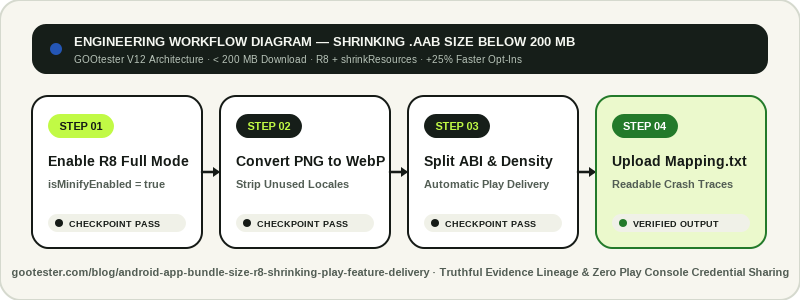
3. 3. Activating R8 Full Mode, Strict Resource Shrinking & Locale Filters
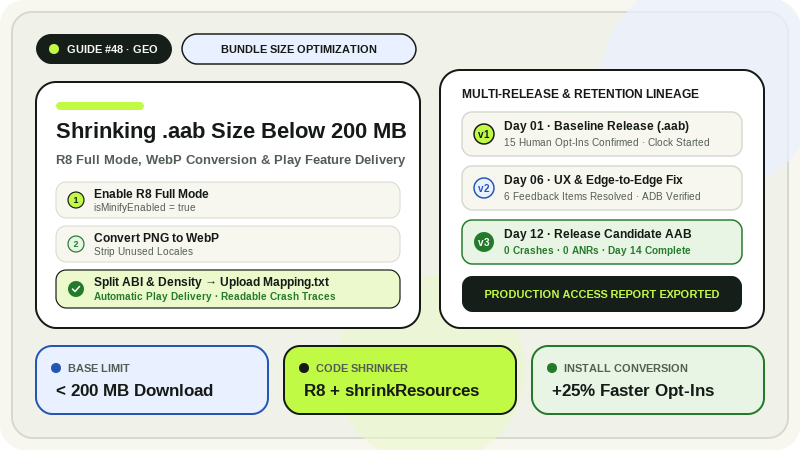
In modern Android Gradle Plugin (AGP 8.x+), **R8 Full Mode** is active by default once you set `isMinifyEnabled = true`, performing whole-program tree shaking, class merging, enum unboxing, and Kotlin lambda deduplication across DEX files. Pairing it with `isShrinkResources = true` instructs AGP's resource shrinker to zero out or eliminate unreferenced drawables, layouts, and raw files after R8 prunes dead code.
One hidden source of `resources.arsc` bloat comes from Google Play Services, Material Components, and AndroidX libraries, which bundle translated strings for **over 80 global locales**. Even if your app UI only supports English and Spanish, `resources.arsc` retains every library translation unless you declare `androidResources.localeFilters`.
Restricting `localeFilters` and filtering out unused `x86` / `x86_64` emulator native libraries from release bundles routinely shaves 8 MB to 35 MB off apps pulling in CameraX, ML Kit, WebRTC, or PDF rendering engines.
android {
    defaultConfig {
        ndk {
            // Ship real physical handset ABIs; omit x86/x86_64 unless targeting ChromeOS natively
            abiFilters += listOf("arm64-v8a", "armeabi-v7a")
        }
    }

    androidResources {
        // Strip 80+ transitive AndroidX / Play Services translations down to supported locales
        localeFilters += listOf("en", "es", "de", "ja")
    }

    buildTypes {
        getByName("release") {
            isMinifyEnabled = true
            isShrinkResources = true
            proguardFiles(
                getDefaultProguardFile("proguard-android-optimize.txt"),
                "proguard-rules.pro"
            )
        }
    }
}
4. 4. WebP Media Compression, VectorDrawables & Native Symbol Hygiene
After R8 finishes pruning DEX code, image, video, and native `.so` binaries dominate remaining bundle weight. Audit `res/drawable-*` and `assets/` for uncompressed 24-bit PNGs and full-resolution JPEGs exported straight from Figma. Converting photographic illustrations and onboarding backdrops to **WebP** at quality 78–82 (`cwebp -q 80` or Android Studio's right-click *Convert to WebP...*) typically reduces bitmap size by 60% to 75% with zero perceptible fidelity loss.
Replace multi-density raster UI icons (`mdpi`, `hdpi`, `xhdpi`, `xxhdpi`, `xxxhdpi`) with a single resolution-independent XML `VectorDrawable`. Not only does a 1.5 KB vector replace five PNG files, it scales crisply across high-DPI foldables and tablets during closed testing.
Finally, ensure native C/C++ libraries inside `lib/arm64-v8a/*.so` do not retain embedded DWARF debug sections inside the delivered APK. Setting `ndk.debugSymbolLevel = "FULL"` lets AGP strip `.so` binaries for end-user APKs while packaging symbol tables separately inside `BUNDLE-METADATA` solely for Play Console Android Vitals.
- Re-encode onboarding MP4 loops in `res/raw/` with H.265/HEVC or VP9 at 720p (`-crf 28`) instead of shipping 40 MB 4K studio exports.
- Subset custom `.ttf` / `.otf` variable fonts with `pyftsubset` (`fonttools`) or load Google Fonts dynamically via `androidx.core.provider.FontsContractCompat`.
- Quantize bundled TensorFlow Lite / ONNX models from `FP32` to `INT8` or `FP16` to cut ML weight files by 50%–75% while accelerating NPU inference.
5. 5. Breaking Past 200 MB with Play Feature & Play Asset Delivery
What if your app legitimately requires a 350 MB offline speech-recognition model, high-resolution anatomical atlas, or 3D game asset pack? Rather than hosting brittle external S3 downloads that inflate CDN bills and fail behind corporate firewalls, use **Play Asset Delivery (PAD)** (`com.android.asset-pack`) or **Play Feature Delivery** (`com.android.dynamic-feature`).
Creating an `:offline_models` module configured with `deliveryType = "install-time"` allows up to **1 GB** of assets to download seamlessly alongside your base app directly from Google Play's edge CDN at zero bandwidth cost to you. For optional capabilities used by only a subset of users, `fast-follow` or `on-demand` packs scale up to **2 GB** per pack.
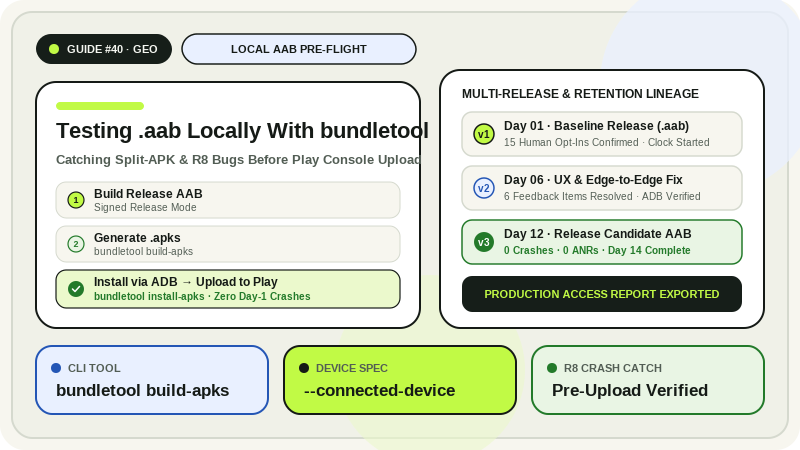
Crucially, `AssetPackManager` and `SplitInstallManager` **cannot be fully tested via plain `adb install`**. While `bundletool install-apks --local-testing` mocks local file extraction, real Play Store download progress bars, cellular confirmation prompts (>200 MB), and delta patching only run when installed from an active Google Play track—making your 14-day Closed Testing track the essential proving ground.
- Extract Heavy Assets into an Asset Pack Gradle Module: Create a dedicated Gradle module applying id("com.android.asset-pack"), configure deliveryType = "install-time" or "fast-follow", and register assetPacks += listOf(":offline_models") in app/build.gradle.kts.
- Smoke Test Extraction Locally with --local-testing: Run bundletool build-apks --local-testing and bundletool install-apks to confirm AssetPackManager locates asset paths cleanly.
- Validate Real CDN Delivery via Closed Testing: Upload the multi-module .aab to Play Console Closed Testing so your 12+ testers exercise genuine Google Play CDN split and asset pack installation.
6. 6. Catching Shrinking Regressions During Your 14-Day Closed Test
Aggressive code and resource shrinking significantly boosts install conversion and cold-start speed, yet it also introduces two release-only failure modes: `ClassNotFoundException` from over-pruned reflection classes and `Resources$NotFoundException` from stripped dynamic drawables across specific screen densities or locales.
Running your shrunk `.aab` through a 14-day closed test with `testers@gootester.com` exercises real device-specific split APK combinations (`mdpi`/`xhdpi`/`xxhdpi`/`xxxhdpi` across diverse OEM skins) that single-device `adb` sideloading misses.
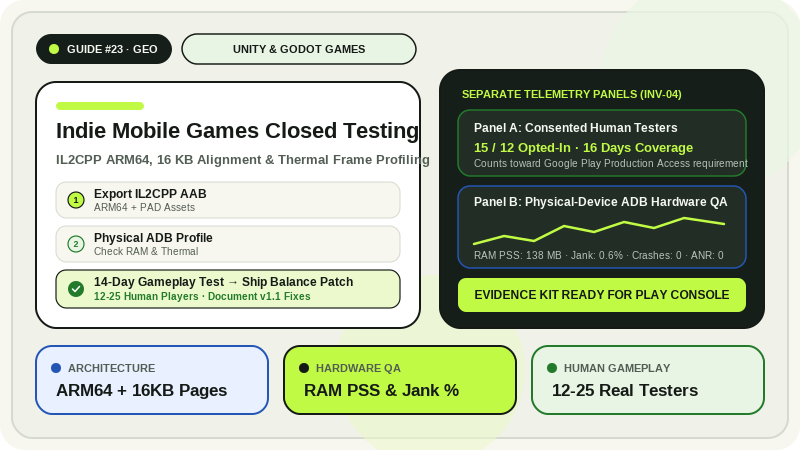
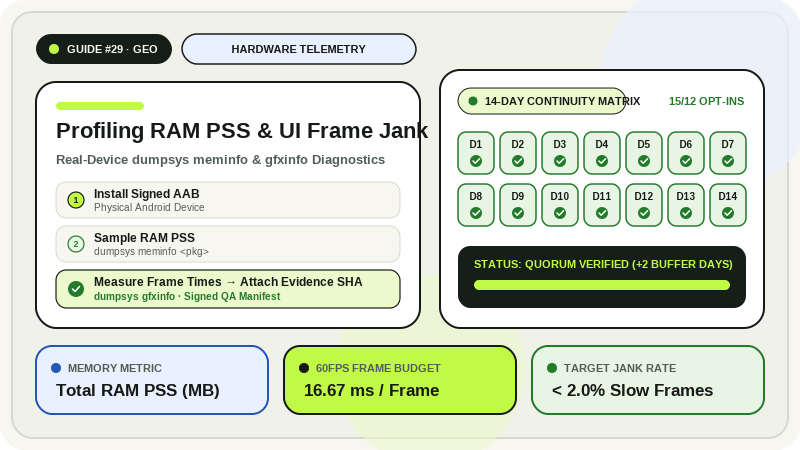
Pair your human tester cohort with a physical-device ADB QA diagnostic pass to verify zero `Resources$NotFoundException` crashes, lower RAM Proportional Set Size (PSS) from WebP decoding, and crisp startup metrics—giving you compelling quantitative optimization wins to cite in Question 2 of your Production Access application.
Actionable Pre-Submission Verification Checklist
- Run bundletool build-apks and bundletool get-size total locally to confirm every device configuration falls cleanly under Google Play's 200 MB ceiling.
- Enable isMinifyEnabled = true, isShrinkResources = true, and proguard-android-optimize.txt on your release build type.
- Configure androidResources.localeFilters to strip unused transitive library translations and restrict abiFilters to needed device architectures.
- Convert bulky PNG/JPEG graphics to WebP, adopt VectorDrawables for UI icons, and set ndk.debugSymbolLevel = "FULL".
- Add res/raw/keep.xml rules for any assets looked up dynamically via resources.getIdentifier() so resource shrinking never causes runtime crashes.
- Offload datasets or game packs exceeding 200 MB into Play Asset Delivery modules and validate real Play CDN installs with testers@gootester.com.
Frequently Asked Questions
Is Google Play's App Bundle size limit 150 MB or 200 MB in 2026?
Google Play increased the compressed base install download ceiling for Android App Bundles from 150 MB to 200 MB per device configuration. Furthermore, apps needing larger payloads can attach up to 1 GB via install-time Play Asset Delivery packs and up to 2 GB per fast-follow or on-demand pack.
My .aab file is 240 MB on disk—will Google Play automatically reject it?
Not necessarily! Google Play enforces the 200 MB limit against the compressed split APKs downloaded by an individual device (for example, arm64-v8a + xxhdpi + en), not the raw multi-ABI .aab file size. Check exact per-device MAX bytes with bundletool get-size total.
Why did turning on isShrinkResources = true cause a Resources$NotFoundException in Closed Testing?
AGP's resource shrinker removes resources that lack direct R.drawable.* bytecode references. If your code or a third-party SDK constructs resource names dynamically as strings and calls getIdentifier(), list those patterns in res/raw/keep.xml using tools:keep.
Why should I test Play Feature Delivery and Play Asset Delivery on Closed Testing instead of just adb install?
Plain adb install cannot simulate Google Play's cloud split delivery, deferred fast-follow queues, or cellular download consent dialogs. Publishing to a Closed Testing track with testers@gootester.com tests genuine Play Store CDN delivery end-to-end before public launch.