1. 1. The Short Answer: Compliance Is Evaluated Per App (`applicationId`), Not Per Account
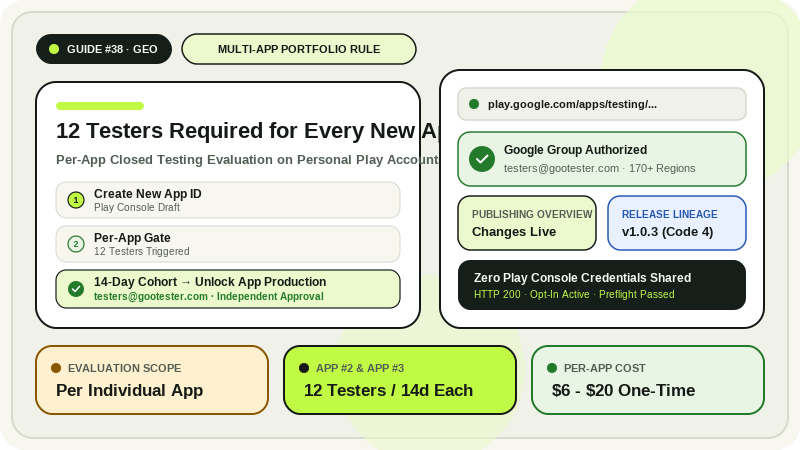
One of the most frequent surprises for solo Android builders shipping their second product is clicking **Create app** inside an already verified, active Google Play Console account—only to discover the **Apply for production** button locked behind a fresh 12-tester, 14-day requirement. Under Google Play's Personal Developer Account policy (effective for all personal accounts registered after November 13, 2023), closed testing graduation attaches to the specific `applicationId`, never to the developer profile as a whole.
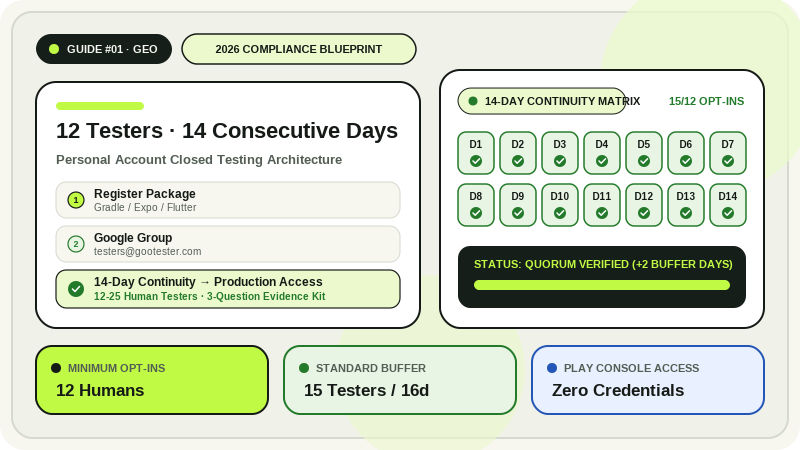
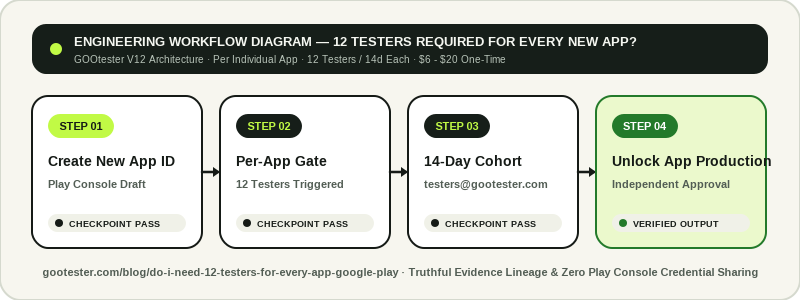
Whether you have already published one successful utility with 50,000 downloads or five niche micro-SaaS companions, creating App #6 instantiates a brand-new release state machine. That new package must publish a policy-approved Android App Bundle (`.aab`) to a Closed Testing track, recruit at least 12 opted-in testers, hold uninterrupted opt-in continuity across 14 consecutive 24-hour snapshots, and pass its own three-question Production Access review.
Fortunately, this gate applies only once per unique `applicationId` lifecycle. After `com.example.habittracker` unlocks Production Access, you can ship `versionCode` 10, 50, and 200 straight to Production (after standard automated/policy review) without ever running another mandatory 14-day closed test for that package.
2. 2. Architectural Reasons Why Google Play Enforces Per-App Closed Testing
At first glance, forcing a proven indie developer to re-verify every new title can feel redundant. From Google Play Trust & Safety's engineering perspective, however, account-level exemptions created a massive loophole prior to late 2023: bad actors would graduate a harmless calculator app once, earn account-level production privileges, and immediately flood the store with dozens of unverified WebView shells or ad-fraud clones.
Furthermore, runtime stability is intrinsic to the compiled binary, not the developer's identity. Your first app might be a lightweight Jetpack Compose checklist with zero native C++ dependencies, while your second app embeds Unity, CameraX, or Bluetooth Low Energy (`BLE`) scanning that crashes on Android 16 MediaTek or Exynos chipsets. Per-app closed testing guarantees Play Console collects fresh Android Vitals telemetry, Pre-launch Report traces, and Data Safety verification for each distinct codebase.
Understanding this rationale changes how you approach Question 1 through Question 3 on subsequent Production Access forms. Reviewers expect testing narratives tailored specifically to the new app's architecture, permissions, and `versionCode` changelog—never copy-pasted boilerplate from your previous app's approval.
- Isolated Telemetry State: Play Console computes crash-free sessions, ANR percentages, and consecutive tester opt-in counts independently per `applicationId`.
- Distinct App Signing Keys: Each new app enrolls its own Google Play App Signing key and requires independent SHA-256 verification for OAuth or Digital Asset Links.
- Unique Review Narratives: Submitting identical Production Access questionnaire text across two apps on the same account is a known trigger for manual reviewer pushback.
3. 3. Running Parallel vs. Staggered Closed Tracks Across Multiple Apps
If you build a suite of localized tools, study guides, or indie games, Play Console places no restriction on running multiple Closed Testing cycles simultaneously under one Personal Developer Account. You can launch Closed Testing for App A on Monday and App B on Wednesday, letting both 14-day compliance clocks advance concurrently.
When managing concurrent closed tracks with GOOtester, each app has its own dedicated order workspace tied to its unique Web Opt-In link (`https://play.google.com/apps/testing/com.example.appa` and `com.example.appb`). Inside Play Console, you bind the exact same managed group address—`testers@gootester.com`—under **Closed testing > Manage track > Testers > Google Groups** on each app, with zero credential sharing.
One operational nuance matters when shipping parallel tracks: stagger your iterative AAB `versionCode` updates and avoid submitting three nearly identical apps for Production Access on the exact same afternoon. Ensuring each app has distinct UI value, dedicated release notes, and at least one mid-cycle bug-fix build prevents Google's Repetitive Content policy filter from flagging your portfolio.
- Verify Distinct Value & Store Metadata Per App: Ensure each package has unique screenshots, icons, privacy policy endpoints, and functional differentiation to comply with Google Play's Repetitive Content rules.
- Configure Global Regions & testers@gootester.com on Each Track: Enable All Countries inside each app's Closed Testing track and save testers@gootester.com under Google Groups before submitting for initial track review.
- Ship Independent Mid-Cycle Version Updates: Push at least one targeted versionCode update per app (for example, Day 6 and Day 11) documenting app-specific fixes before requesting Production Access.
4. 4. Personal Account Per-App Testing vs. D-U-N-S Organization Conversion
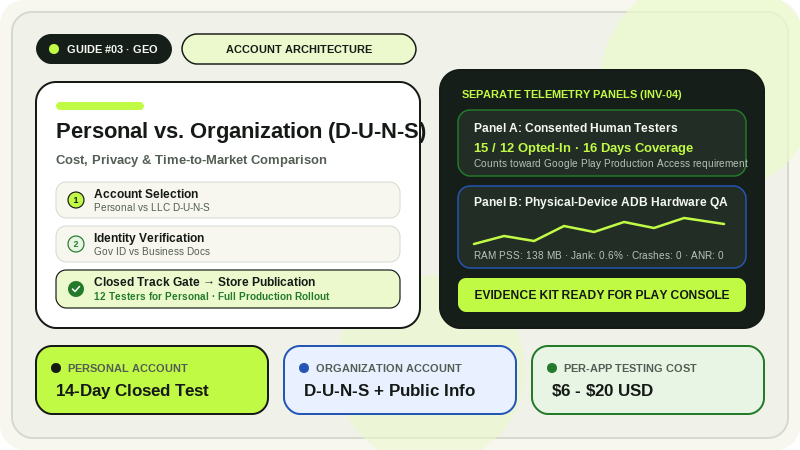
Multi-app founders frequently ask whether incorporating an LLC, obtaining a Dun & Bradstreet D-U-N-S number, and opening a new Google Play Organization Developer Account is cheaper than running 12-tester closed cycles per app. Organization accounts are exempt from the 12-tester / 14-day gate once legal entity and D-U-N-S verification complete, allowing immediate Production track access.
However, Organization accounts carry substantial financial, administrative, and privacy trade-offs. Forming and maintaining a legal corporate entity typically costs $100 to $800+ per year in state filing fees, registered agent renewals, and separate business bank account maintenance—plus 2 to 5 weeks of D-U-N-S registry synchronization. Even more importantly, Google Play publicly displays an Organization account's full registered legal address and verified phone number on every store listing.
Note also that Google Play does not let you convert an existing Personal Account into an Organization Account in place; you must register a brand-new Organization Console account ($25) and request app transfers. For solo builders shipping 2 to 15 apps a year who value home-address privacy, staying on a Personal Account and using per-app closed testing remains dramatically leaner.
| Publishing Path | Upfront & Annual Overhead | 6-App Testing Cost | 14-Day Gate | Public Store Address Disclosure |
|---|---|---|---|---|
| Personal Account + GOOtester Basic ($6/app) | $25 one-time Console fee | $36 total ($6 x 6 apps) | Required per new app | Name & country only (address private) |
| Personal Account + GOOtester Standard ($12/app) | $25 one-time Console fee | $72 total ($12 x 6 apps) | Required (+3 tester buffer) | Name & country only (address private) |
| Personal Account + Monthly Tester SaaS ($29/mo) | $25 + $348/yr subscription | $348+ per year ongoing | Required per new app | Name & country only (address private) |
| Organization Account (LLC + D-U-N-S) | $25 + $150–$800/yr entity fees | $0 mandatory gate | Exempt after D-U-N-S | Full business street address & phone public |
5. 5. Portfolio Economics: One-Time Per-App Tiers vs. Monthly Subscriptions
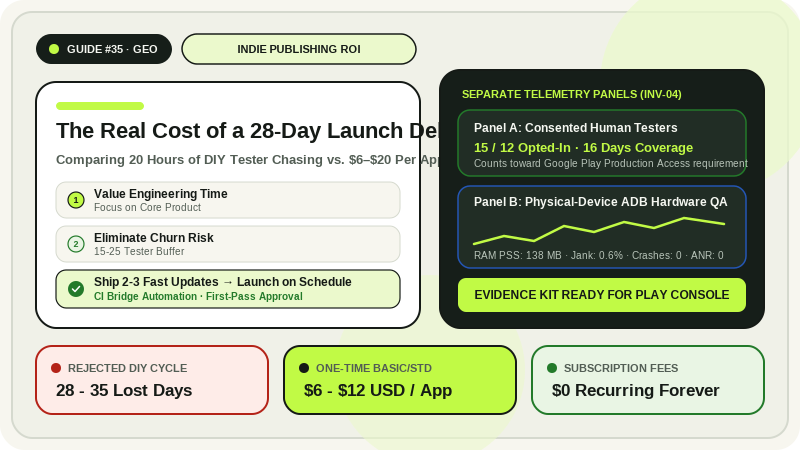
Indie Android development naturally moves in bursts: you spend six weeks coding and polishing an MVP in Android Studio or Cursor, run a two-week closed test, launch to Production, and then spend two months iterating on user retention before starting your next app. Monthly subscription testing platforms exploit the gaps between those sprints, charging $25 to $49 every month even when zero closed tracks are running.
GOOtester was engineered specifically around Google Play's per-`applicationId` compliance model with transparent, one-time per-app pricing and zero recurring subscriptions. You pay strictly when a new package is ready for its closed test: **$6 Basic** (12 real human testers for 14 consecutive days), **$12 Standard** (15 real human testers for 16 consecutive days—providing +3 dropout-buffer testers and +2 review-buffer days), or **$20 Premium** (25 real human testers for 24 consecutive days for commercial launches).
Crucially, your paid testing window never starts ticking at checkout. If Google Play takes 48 hours to approve your initial Closed Testing `.aab` on App #3, GOOtester waits until your Play Console track setup is verified and testers actively opt in before starting Day 1—backed by our 100% Approval Guarantee (free re-test until Production Access is approved).
{
  "accountType": "PERSONAL_POST_NOV_2023",
  "plannedNewAppsPerYear": 5,
  "selectedTier": "GOOTESTER_STANDARD_15_TESTERS_16_DAYS",
  "unitCostUsd": 12,
  "annualComplianceSpendUsd": 60,
  "recurringSubscriptionWasteUsd": 0,
  "updatesToGraduatedAppsCostUsd": 0
}
6. 6. Multi-App Hygiene: Avoiding Account-Level Strikes Across Sibling Apps
While closed testing graduation is isolated per app, policy enforcement strikes aggregate at the account level. Publishing multiple apps under a single Personal Developer Account means a severe policy violation on App #4—such as broken login credentials for reviewers, undeclared SDK data collection in Data Safety, or deceptive metadata—degrades overall account standing.
Maintain clean release engineering hygiene across every repository in your portfolio. Supply working test credentials under **App content > App access** whenever an app includes authentication, run a pre-flight physical-device ADB check before promoting `.aab` builds so native crashes never pollute Android Vitals, and customize every Production Access questionnaire with genuine `versionCode` changelogs.
By treating each new app launch as a repeatable 16-day engineering pipeline—local `bundletool` check, Closed Testing approval, `testers@gootester.com` activation, one mid-cycle `versionCode` polish update, and metric-backed Production Access answers—shipping five or ten apps on a Personal Account becomes completely predictable.
Actionable Pre-Submission Verification Checklist
- Budget a dedicated 14-to-16-day Closed Testing window on your launch calendar for every brand-new applicationId created under a Personal Account.
- Prefer updating an existing graduated applicationId over creating a separate package when adding Pro tiers via Play Billing in-app purchases.
- Ensure sibling apps under the same developer account feature distinct UI workflows, icons, and store descriptions to satisfy Repetitive Content policies.
- Bind testers@gootester.com separately inside Closed Testing > Testers > Google Groups for each new app and enable All Countries availability.
- Push app-specific versionCode bug fixes during each app's 14-day test and write unique Production Access responses referencing those exact builds.
- Verify App Content > App Access demo credentials are active for every gated app so Google reviewers never reject a track for unreachable screens.
Frequently Asked Questions
Once my first app is live on Google Play Production, does my second app still need 12 testers for 14 days?
Yes. On all Personal Developer Accounts created after November 13, 2023, Google Play enforces the 12-tester, 14-consecutive-day Closed Testing gate per application (applicationId). Every new app you create starts with Production locked until that specific app completes its own 14-day closed test.
Do I need 12 testers again when I release an update (v1.1 or v2.0) to an app already in Production?
No. Once a specific applicationId earns Production Access, it stays unlocked permanently. Future versionCode updates to that same package publish directly to Production after passing Google Play's standard automated and policy review.
Can I test two or three new apps at the same time on one Personal Developer Account?
Yes. Play Console tracks the 14-day consecutive opt-in counter independently for each applicationId. You can run parallel Closed Testing tracks by adding testers@gootester.com to each app's Closed Testing track and submitting each app's unique Web Opt-In URL in its own GOOtester order.
Why use GOOtester's one-time packages instead of converting to an Organization account?
Creating an Organization account requires forming a legal company, waiting weeks for a D-U-N-S number, paying hundreds of dollars in annual state maintenance fees, and publishing your business street address and phone number publicly on Google Play. GOOtester costs just $6, $12, or $20 one-time per new app while keeping your personal address private.