1. 1. Structural Comparison: Personal vs. Organization Play Console Accounts
When registering a new Google Play Console account for the one-time $25 registration fee, developers must choose an immutable account classification: Personal or Organization. Google designed these two tiers for fundamentally different legal realities. A Personal account binds directly to an individual's government-issued photo ID and personal payment profile, while an Organization account binds to a registered legal entity stored in the global Dun & Bradstreet commercial registry.
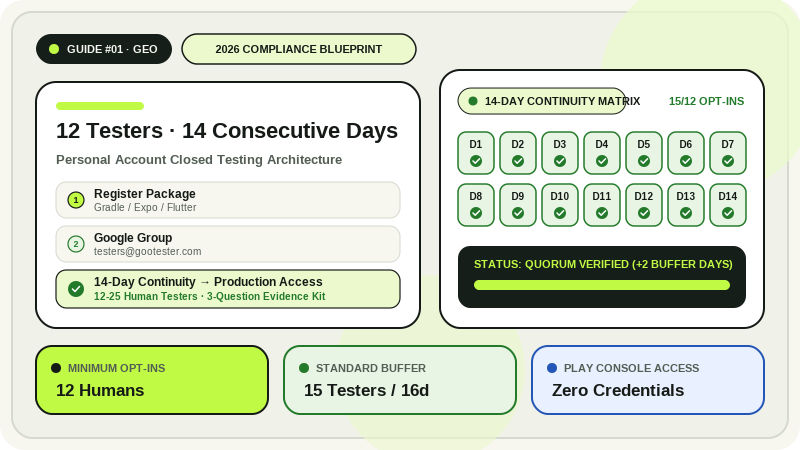
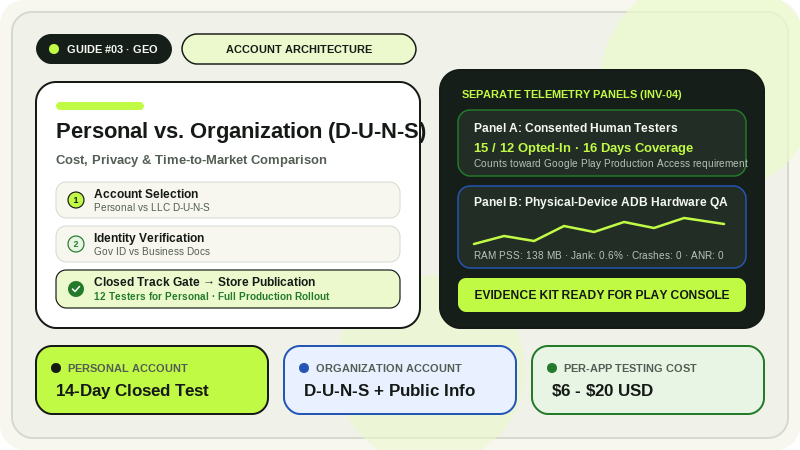
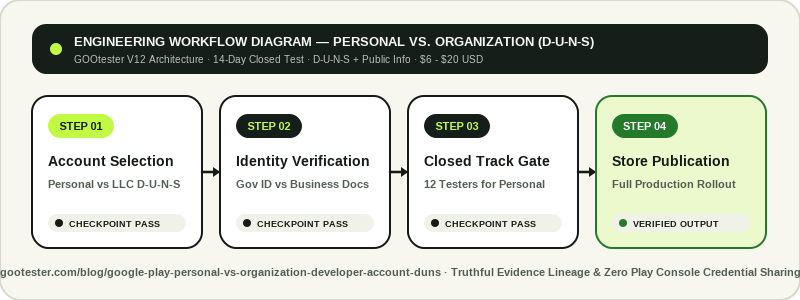
The most visible operational divergence between the two tiers is the pre-production testing requirement. Organization accounts that have completed D-U-N-S and business identity verification can publish directly to the Production track without running a 12-tester, 14-day closed test. Personal accounts created after November 13, 2023 must satisfy the 12-tester, 14-day Closed Testing gate on every new application prior to requesting Production Access.
Because of that exemption, many solo developers wonder whether they should form a single-member LLC just to skip the 14-day testing window. However, once you examine the total financial overhead, multi-week D-U-N-S issuance bottlenecks, and mandatory public address disclosure rules, the calculus shifts decisively in favor of Personal accounts for independent builders.
| Comparison Factor | Personal Developer Account | Organization Developer Account |
|---|---|---|
| Play Console Registration Fee | $25 one-time fee | $25 one-time fee |
| Entity & Legal Overhead | $0 (Uses individual government ID) | $150–$800+ incorporation + annual state filings |
| D-U-N-S Number Required? | No | Yes (Mandatory Dun & Bradstreet profile match) |
| 12-Tester / 14-Day Closed Test | Mandatory per new app ($6–$20 via GOOtester) | Exempt once organization is fully verified |
| Typical Time to First Production App | 15–18 days total (including 14-day test) | 30–60 days (LLC filing + IRS EIN + D-U-N-S sync) |
| Public Store Listing Disclosure | Developer name & country only | Full legal street address, entity name & phone |
| Financial / Banking App Eligibility | Restricted from sensitive regulated verticals | Eligible for banking, lending, health & enterprise apps |
2. 2. Inside the D-U-N-S Verification Pipeline and Why It Takes 30 to 60 Days
To open an Organization Developer Account, you cannot simply enter a brand name or domain alias. Google Play validates your organization through an automated API handshake with Dun & Bradstreet (D&B) using a nine-digit D-U-N-S identifier. Before you can even request a free D-U-N-S number, you must first incorporate a legal business entity with your state or national registry and obtain an official tax identification document.
After your incorporation articles are approved, applying for a standard free D-U-N-S number typically takes up to 30 business days for Dun & Bradstreet to verify your filing and mint the record. Even after D&B emails your nine-digit identifier, there is an additional propagation latency of 5 to 14 days before Google Play's verification system ingests the updated D&B record snapshot.
Furthermore, Google Play enforces character-for-character string matching between your D-U-N-S record, your uploaded government incorporation certificate, and your Google Payments Merchant profile. A minor punctuation discrepancy—such as `Studio Labs, LLC` on your state certificate versus `Studio Labs LLC` without a comma in Dun & Bradstreet—triggers an automated verification failure that requires manual D&B data remediation.
- Phase 1: Legal Entity Incorporation & Tax ID (Days 1–14): File Articles of Organization (LLC/Ltd), appoint a registered agent, and obtain a federal tax ID or business registration certificate.
- Phase 2: Dun & Bradstreet Investigation & Issuance (Days 15–40): Submit corporate formation documents and physical operating address to Dun & Bradstreet and wait for standard D-U-N-S issuance.
- Phase 3: D&B-to-Google Registry Synchronization (Days 41–50): Wait for Dun & Bradstreet's batch export to synchronize with Google Payments and Play Console verification servers.
- Phase 4: Domain, Phone & Authorized Representative Check (Days 51–55): Verify DNS ownership via Google Search Console, confirm public corporate phone via OTP, and verify representative ID.
4. 4. Three-Year Total Cost of Ownership (TCO): LLC Incorporation vs. GOOtester
When evaluated strictly as an engineering capital allocation decision, forming a corporate entity solely to skip the 14-day closed test makes zero economic sense for indie developers. Consider a realistic three-year operational horizon where an independent developer builds and launches two new Android applications per year (six apps total across three years).
Maintaining an LLC in most jurisdictions requires an initial state filing fee ($100–$300), a commercial registered agent and physical business address service to protect home privacy ($150–$300/year), annual report or franchise tax fees ($50–$800/year depending on the state), and separate corporate tax preparation. Across three years, that administrative overhead easily exceeds $900 to $2,500 before shipping a single line of Kotlin code.
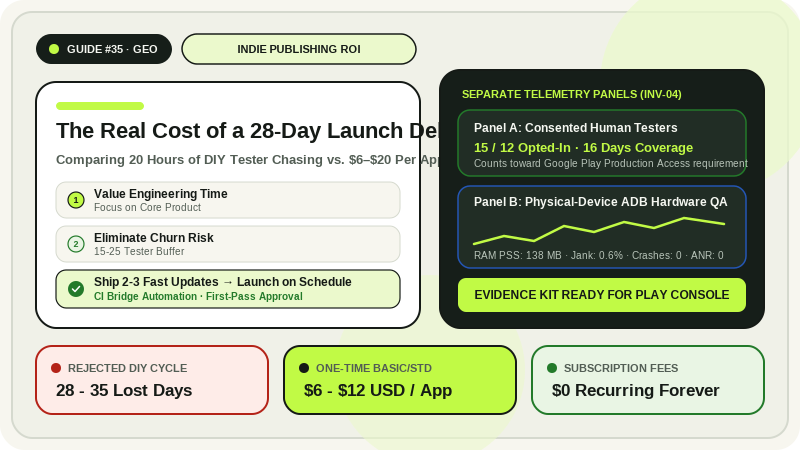
On a Personal Developer Account, your ongoing entity maintenance cost is $0. Even if you purchase GOOtester's most popular $12 Standard package (15 testers for 16 days) for every single one of those six apps across three years, your total compliance expenditure is just $72—saving over 90% in capital while launching your first app weeks earlier.
const threeYearTcoComparison = {
  appsPublishedOver3Years: 6,
  personalAccountWithGootester: {
    playConsoleRegistration: 25,
    entityFormationAndAnnualFees: 0,
    closedTestingCostPerApp: 12, // $12 Standard Tier (15 testers / 16 days)
    total3YearCostUSD: 25 + 6 * 12 // $97 total
  },
  organizationAccountLlc: {
    playConsoleRegistration: 25,
    llcFilingAndExpeditedDuns: 250,
    annualRegisteredAgentAndAddress3Yrs: 180 * 3,
    annualStateFranchiseReport3Yrs: 150 * 3,
    total3YearCostUSD: 25 + 250 + 540 + 450 // $1,265 total
  }
};
5. 5. When You Actually Need an Organization Developer Account
While a Personal Developer Account is the optimal choice for 90% of independent developers, utility builders, and mobile game creators, there are specific regulatory and commercial thresholds where an Organization Developer Account becomes mandatory rather than optional. Google Play restricts certain high-risk API capabilities and vertical categories exclusively to verified organizations.
Specifically, if your Android application provides regulated financial services (personal loans, banking, cryptocurrency wallets, or stock brokerage), government services, real-money gambling, or clinical healthcare diagnostics, Google Play policy strictly prohibits publishing those apps under a Personal Developer Account. Such apps will be rejected during policy review regardless of how many closed testers you recruit.
Similarly, if you are raising institutional venture capital, employing multiple full-time engineers who need granular role-based corporate access, or contracting under enterprise B2B service-level agreements, incorporating a legal entity and completing D-U-N-S verification is a standard corporate governance requirement.
- Regulated Financial & Crypto Apps: Must be published under a D-U-N-S verified Organization Account with appropriate licensing documentation.
- Government & Public Health Portals: Require official government agency or hospital organization credentials.
- Venture-Backed Studios & Multi-Employee Teams: Benefit from corporate asset ownership and D-U-N-S verified organization identity.
- Indie Games, SaaS Companions, AI Tools & Consumer Utilities: Fully supported on Personal Developer Accounts via the 12-tester, 14-day closed test.
6. 6. How to Start on a Personal Account Today and Transfer Apps Later
One of the best-kept architectural advantages of Google Play Console is that your initial choice of a Personal Developer Account does not lock your intellectual property out of future corporate growth. Google Play provides an official, lossless App Transfer tool inside Play Console that lets you migrate any published production app—along with 100% of its user base, ratings, reviews, store listing rankings, and Play App Signing key—to a newly created Organization Account in the future.
This means the smartest launch strategy for a new founder is to validate product-market fit on a Personal Developer Account first. Instead of burning two months and over a thousand dollars waiting on LLC paperwork and Dun & Bradstreet synchronization for an unvalidated app concept, you can run a 14-day closed test with GOOtester for $6 to $20 and ship to Production immediately.
Once your application generates recurring revenue or attracts institutional partners, you can incorporate your company in the background, complete D-U-N-S verification without blocking your existing release cadence, and execute an official Play Console App Transfer with zero downtime.
Actionable Pre-Submission Verification Checklist
- Audit whether your app falls into a regulated category (banking, lending, healthcare, gambling) that legally requires an Organization Account.
- If publishing an indie game, utility, or SaaS app, register a Personal Developer Account to avoid D-U-N-S delays and home address exposure.
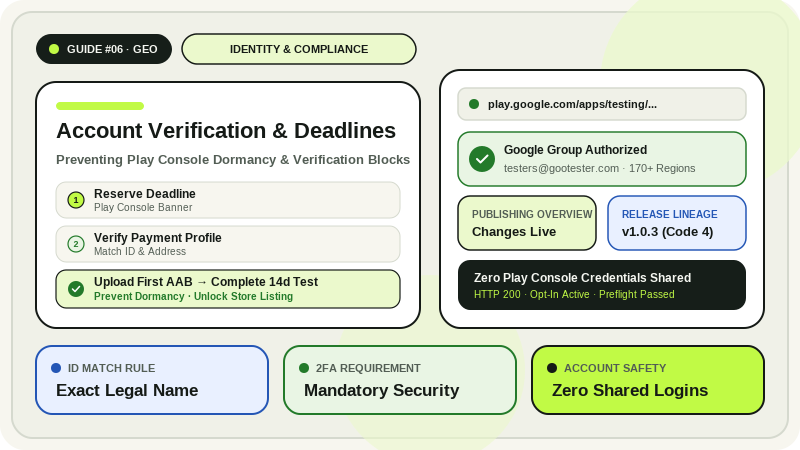
- Ensure your government photo ID name and address match your Google Payments profile character-for-character before submitting verification.
- Budget 14 consecutive days for Closed Testing on every new app launched under your Personal Developer Account.
- Bind testers@gootester.com to your Closed Testing track via Google Groups to complete the 12-tester requirement for $6 to $20.
- If you later incorporate a company, use Play Console's official App Transfer workflow to migrate your live apps to your Organization Account.
Frequently Asked Questions
Do Organization Developer Accounts have to complete the 12-tester, 14-day closed test?
No. Once an Organization Developer Account passes Dun & Bradstreet D-U-N-S verification, corporate document review, and official website domain verification, it can publish apps directly to Production without completing the 12-tester, 14-day closed testing gate.
Can I convert my existing Personal Developer Account directly into an Organization Account?
Google Play generally recommends registering a separate $25 Organization Developer Account once your legal entity and D-U-N-S number are ready, and then transferring your existing apps via the official Play Console App Transfer tool. This avoids freezing your active account if D&B string-matching issues occur during verification.
Why is forming an LLC just to avoid the 14-day closed test usually a bad idea?
Forming an LLC and obtaining a D-U-N-S number typically takes 30 to 60 days—two to four times longer than the 14-day closed test itself—while costing hundreds of dollars in filing and annual state fees and exposing your business street address publicly on the Google Play Store.
If I transfer an app from a Personal Account to an Organization Account, do I keep my reviews and downloads?
Yes. Google Play Console's built-in App Transfer tool preserves your package name (`applicationId`), Play App Signing key, existing installed user base, download statistics, star ratings, and user reviews across the account migration.