1. 1. Two Separate Gates: 14-Day Production Access vs. Form-Factor Quality Reviews
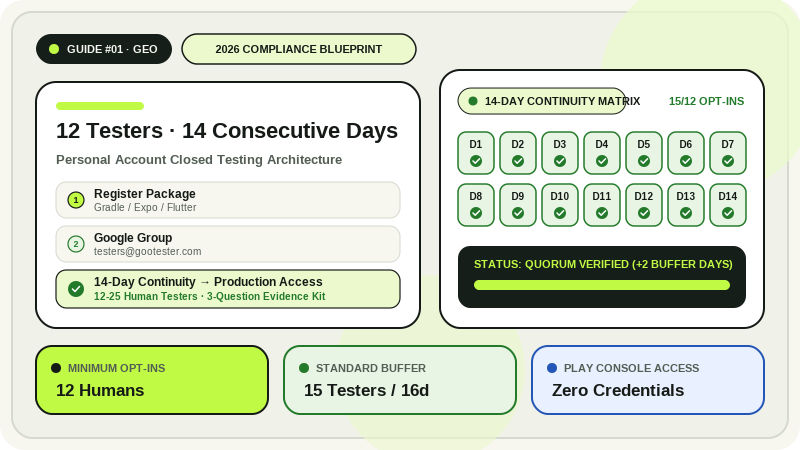
Developers building cross-device ecosystems—such as a Pomodoro timer with a Wear OS companion tile, an IPTV media player for Google TV, or a note-taking suite optimized for 11-inch tablets—actually face two orthogonal evaluation pipelines inside Google Play Console. First is the Personal Developer Account gate requiring **12 opted-in testers for 14 consecutive days** per `applicationId`. Second is Google Play's **Form-Factor Quality Review** triggered under **Setup > Advanced settings > Form factors**.
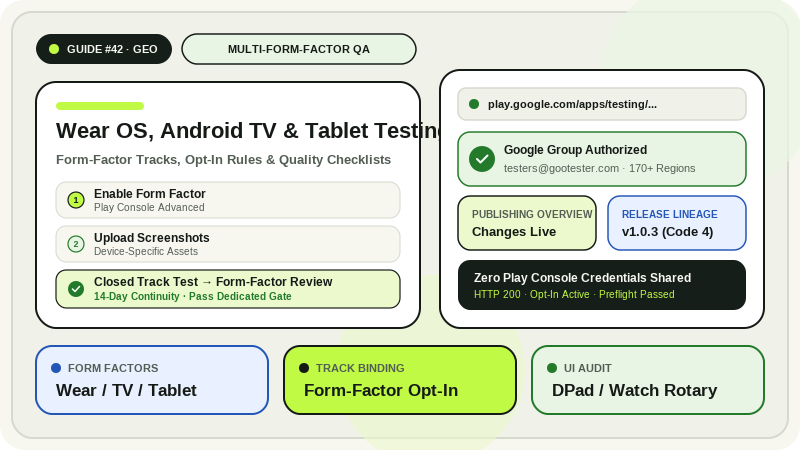
Whenever you explicitly add **Wear OS**, **Android TV**, **Android Auto**, or **Android XR** to an application's Form Factors tab, Play Console activates specialized human visual and hardware QA rubrics. Even a Closed Testing or Production release of your phone app can stall or receive form-factor rejection notices if an unconfigured Wear OS or TV form factor sits half-finished in your settings.
Understanding which form factors are **automatic** (Large Screens: tablets, foldables, Chromebooks) versus **explicit opt-in tracks** (Wear OS, Android TV) lets you sequence your closed test cleanly without stranding testers on incompatible hardware.
| Form Factor | Console Track Mechanism | Critical Manifest Requirement | Mandatory Store Screenshots |
|---|---|---|---|
| Phones & Foldables | Default standard track | targetSdk = 36; adaptive insets | 2–8 screenshots (16:9 or 9:16) |
| Tablets (7" & 10") | Included in standard track | No required="true" telephony lock | 7-inch & 10-inch real UI captures |
| Wear OS Watches | Dedicated Wear OS release type | <uses-feature hardware.type.watch /> | 1:1 aspect ratio, no watch bezels |
| Android TV / Google TV | Dedicated Android TV release type | LEANBACK_LAUNCHER + touchscreen=false | 16:9 TV UI + 1280x720 TV banner |
2. 2. Large-Screen Tablets & Foldables: Implicit Inclusion & Hardware Feature Traps
You do not opt in separately to distribute on Android tablets; every standard Closed Testing track serves phones, foldables, and tablets from the same `.aab` unless your `AndroidManifest.xml` implicitly filters them out. The most common accidental exclusion occurs when an app declares `<uses-permission android:name="android.permission.CALL_PHONE" />` or `<uses-permission android:name="android.permission.CAMERA" />` without adding `<uses-feature ... android:required="false" />`, causing Wi-Fi tablets without cellular modems or rear autofocus cameras to see 'Your device isn't compatible with this version' on your Closed Testing opt-in page.
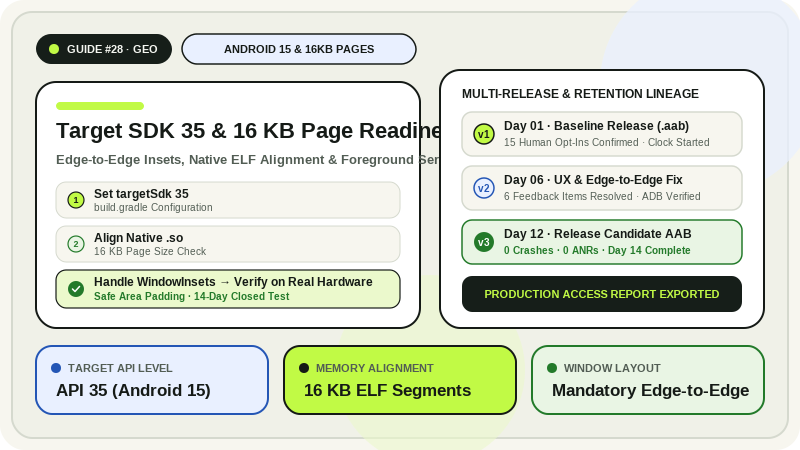
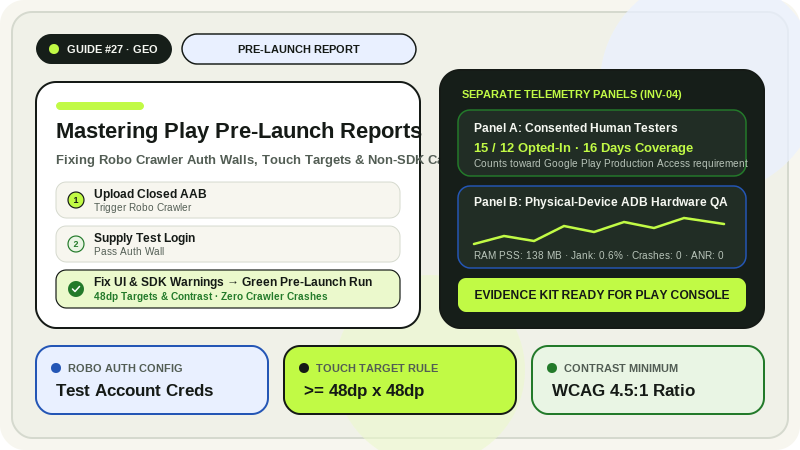
Under Android 16 (`targetSdk = 36`), large-screen devices (`sw >= 600dp`) also enforce universal orientation and multi-window resizability, overriding portrait locks. During your 14-day closed test, Play Console's Pre-launch Report automatically executes Robo crawls on virtual Pixel Tablet / foldable configurations to check for stretched single-column layouts and clipped dialogs.
Upload authentic 7-inch and 10-inch tablet screenshots under **Grow > Store presence > Main store listing**. Never stretch phone screenshots to 16:10 or wrap screenshots inside decorative tablet hardware mockups—Play Console's metadata scanner flags framed device renders during Production review.
<!-- Prevent Wi-Fi tablets & Android TV boxes from being blocked on Closed Testing -->
<uses-feature android:name="android.hardware.telephony" android:required="false" />
<uses-feature android:name="android.hardware.camera" android:required="false" />
<uses-feature android:name="android.hardware.camera.autofocus" android:required="false" />
<uses-feature android:name="android.hardware.touchscreen" android:required="false" />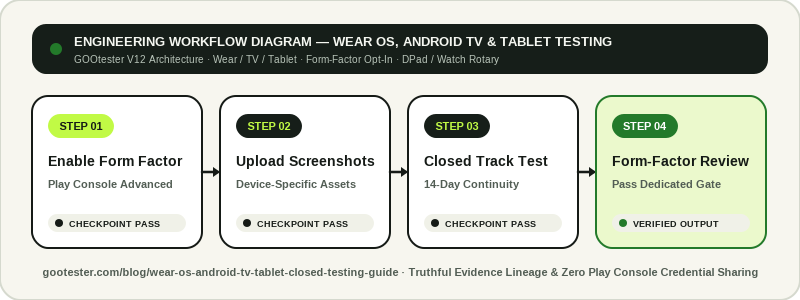
3. 3. Wear OS Closed Testing: Dedicated Watch Tracks & Watch Face Format (WFF)
Publishing a Wear OS app or watch face introduces two unique architectural constraints. First, inside **Closed testing**, Wear OS artifacts live on a dedicated `Wear OS only` track selector (`wear:` prefix in track management) and require `<uses-feature android:name="android.hardware.type.watch" />` in the watch module's `AndroidManifest.xml` using a distinct `versionCode` scheme that does not collide with your phone `.aab`.
Second, if you are building a **watch face** for Wear OS 5 / Wear OS 6 in 2026, Google Play strictly enforces the declarative **Watch Face Format (`WFF`)** XML standard—packaging zero executable Kotlin/Java bytecode inside the watch face bundle so the Wear OS system renderer handles battery optimization natively. Legacy AndroidX/Jetpack WatchFace service binaries are rejected for new watch face submissions.
Be mindful of tester hardware eligibility when running a standalone watch-only app (with zero phone companion APK): a tester who only owns an Android smartphone without a paired Wear OS watch or compatible Play Store web install path can opt into the Web Opt-In link, yet Play Store will display compatibility warnings unless a phone companion module or eligible Wear OS device is present.
4. 4. Android TV & Google TV Closed Testing: Leanback Launchers & D-Pad Navigation
Android TV and Google TV releases fail Closed Testing setup and reviewer audits on three predictable manifest and UX checks. First, your TV entrypoint Activity must declare `<category android:name="android.intent.category.LEANBACK_LAUNCHER" />` so the app tile surfaces on the Google TV home launcher, paired with an explicit `android:banner="@drawable/tv_banner_1280x720"` attribute on `<application>` or `<activity>`.
Second, you **must** declare `<uses-feature android:name="android.hardware.touchscreen" android:required="false" />` alongside `<uses-feature android:name="android.software.leanback" android:required="false" />` (set `required="true"` only for TV-exclusive binaries). Without `touchscreen` set to `false`, Google Play assumes your app requires finger taps and hides the build from every Chromecast, Shield TV, and Sony Bravia television.
Third, human TV reviewers test 100% of your UI using only a 5-way directional D-pad (`Up`, `Down`, `Left`, `Right`, `Select`) plus `Back`. Every interactive button or Compose `Surface` must display a high-contrast focus ring when focused via D-pad, and web-style scroll views that trap focus off-screen trigger immediate TV Quality Guideline rejections.
- Verify complete D-pad traversal over ADB using `adb shell input keyevent KEYCODE_DPAD_DOWN` and `KEYCODE_DPAD_CENTER` without touching the screen.
- Supply a crisp `1280 x 720 px` xhdpi `android:banner` drawable; missing banners fail Android TV form-factor validation instantly.
- Avoid opening standard system browser intents on TV where Chrome may not be installed; render privacy policies and terms natively in-app.
5. 5. Smart Release Sequencing: Graduate Phone + Tablet First, Add Wear/TV Second
If your product includes an Android phone app (or can ship a helpful companion/configuration phone module alongside your watch or TV experience), **do not** enable Wear OS or Android TV form factors prior to earning initial Production Access on your Personal Developer Account.
Why? Because the 12-tester, 14-consecutive-day gate unlocks Production Access for the entire `applicationId`. By shipping your clean, API 36-compliant phone + adaptive tablet `.aab` first, any vetted smartphone tester in `testers@gootester.com` can opt in, install seamlessly on real physical Android phones, and advance your 14-day compliance counter without needing specialized watch or living-room TV hardware.
Once your `applicationId` graduates to Production, your Production track is permanently unlocked. You can then enable **Wear OS** or **Android TV** inside **Advanced settings > Form factors** in v1.1 and go straight through Google's form-factor quality review without risking a mid-cycle stall on your 14-day tester clock.
- Phase 1: Launch Phone + Adaptive Tablet AAB to Closed Testing: Keep Setup > Form factors clean (mobile/tablet default), bind testers@gootester.com, and run your 14-day closed testing cycle with 12–25 real smartphone testers.
- Phase 2: Secure Permanent Production Access for the applicationId: Ship 1–2 iterative mobile versionCode updates during testing, answer the 3 Production Access questions, and publish v1.0 live to Production.
- Phase 3: Enable Wear OS or Android TV Form Factors Post-Graduation: Add your watch or TV form factor, upload raw bezel-free screenshots + banners, and submit the dedicated form-factor track with Production already unlocked.
6. 6. Running Frictionless Closed Testing & Pre-Flight QA with GOOtester
Whether you are graduating a responsive Jetpack Compose phone-and-tablet app or shipping a companion mobile hub for an IoT/wearable ecosystem, keeping closed testing setup deterministic saves weeks of calendar drift. Set your Closed Testing track's **Countries / regions** to **All Countries**, verify no accidental `<uses-feature android:required="true" />` tags block mainstream devices, and bind `testers@gootester.com` via Google Groups.
GOOtester operates on a strict zero-credential model—never asking for Play Console logins or signing keys—and offers three one-time per-app compliance tiers: **$6 Basic** (12 real human testers / 14 days), **$12 Standard** (15 real human testers / 16 days), and **$20 Premium** (25 real human testers / 24 days). Your compliance timer starts only after your track configuration is verified and testers actively opt in, backed by our 100% Approval Guarantee.
Pair your human closed testing track with an early standalone physical-device ADB QA diagnostic check to verify `sw >= 600dp` adaptive layouts, edge-to-edge `WindowInsets`, and zero crash clusters—giving reviewers an airtight technical dossier when you request Production Access.
Actionable Pre-Submission Verification Checklist
- Keep Wear OS and Android TV unchecked under Setup > Advanced settings > Form factors until you are actively ready to pass their dedicated hardware reviews.
- Add android:required="false" to camera, telephony, GPS, and touchscreen <uses-feature> tags as appropriate so tablets and TVs are not blocked.
- Verify adaptive two-pane or centered max-width layouts on sw >= 600dp displays to satisfy Android 16 (API 36) universal resizability.
- Upload raw, unframed UI screenshots without device bezels (1:1 for Wear OS, 16:9 + 1280x720 banner for Android TV, and clean 7"/10" captures for tablets).
- For multi-device apps, graduate your mobile/companion phone AAB through the 14-day GOOtester cycle first before enabling secondary watch or TV tracks.
- Test full D-pad focus rings on TV modules and declarative Watch Face Format (WFF) compliance on Wear OS 5/6 watch faces locally via ADB.
Frequently Asked Questions
Why is Play Console blocking my phone app release because of missing Wear OS or Android TV screenshots?
Once you click 'Add form factor' for Wear OS or Android TV inside Setup > Advanced settings > Form factors, Play Console enforces store listing asset and review gates for that form factor. Only opt in to a secondary form factor when its dedicated build and raw screenshots are ready.
Why does my Closed Testing link say 'Your device isn't compatible with this version' on Wi-Fi tablets?
Requesting permissions like CALL_PHONE, SEND_SMS, or CAMERA implicitly requires hardware features in Google Play's device catalog unless you add <uses-feature android:name="..." android:required="false" /> in AndroidManifest.xml.
Can standard smartphone testers complete the 14-day gate for a watch-only app with no phone module?
A pure watch-only AAB (<uses-feature android:name="android.hardware.type.watch" /> with no mobile APK) can only be installed on paired Wear OS hardware. Including a mobile companion/settings module in your applicationId lets standard Android phone testers install and validate the app smoothly.
Once my mobile app passes the 14-day test with GOOtester, do I need another 14 days of 12 testers when adding Android TV later?
No. The 12-tester, 14-day mandate unlocks Production Access for the entire applicationId permanently. Adding an Android TV or Wear OS track later under that same package undergoes Google's form-factor quality review without repeating the 14-day tester countdown.